MS Excel in 2026: Become an Excel Expert
MS Excel in 2026: Become an Excel Expert

Learn in MS Excel in 2026 ,Excel Basics, MS Excel Formulas, Features & Uses, MS Excel pivot table, MS excel Function, MS Excel formulas,
Learn MS Excel in 2026
Introduction
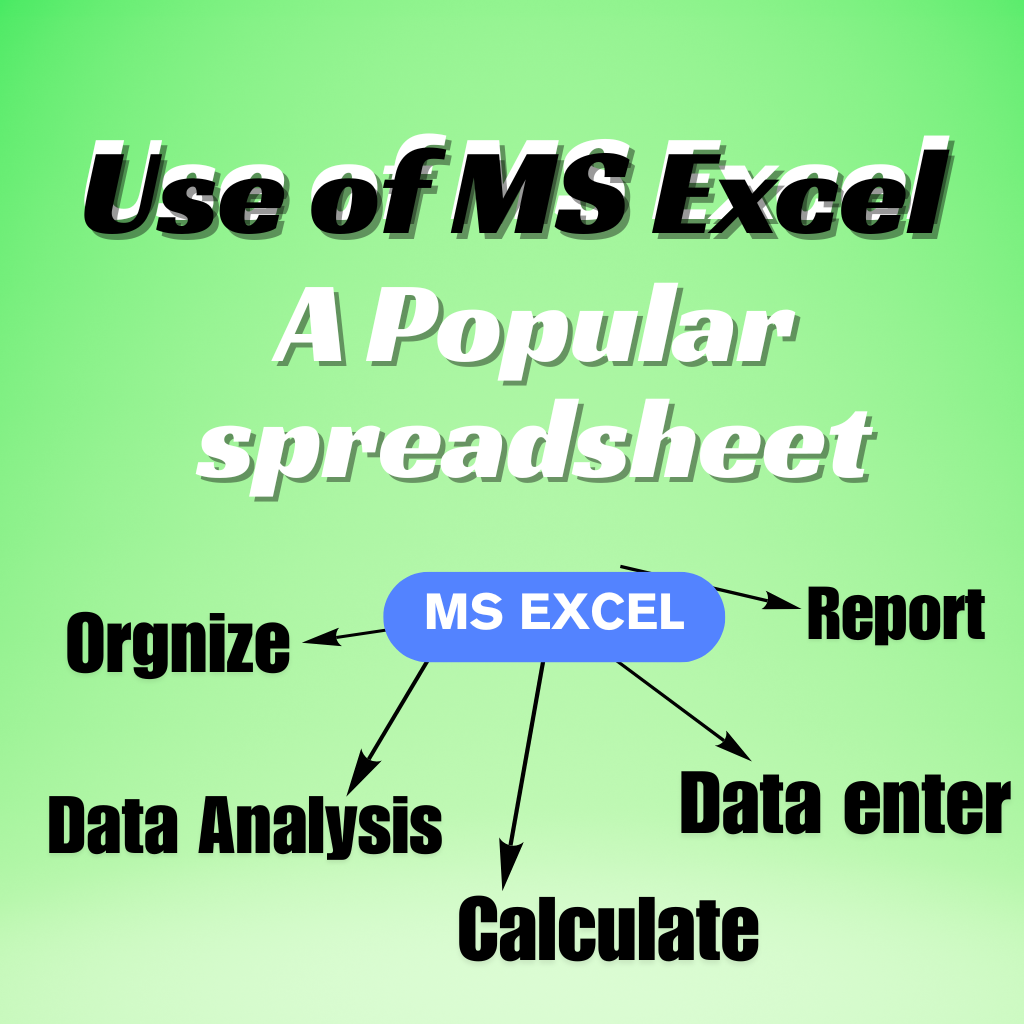
Have you ever worked with data in a computer table? अगर हा , तो आपको MS Excel का नाम ज़रूर सुना होगा . MS Excel in 2026 में हम जानेगे की MS Excel एक popular spreadsheet software है जिसका उपयोग data को enter करने, calculate करने, organize करने, reports बनाना और data analysis के लिए किया जाता है इसीलिए MS Excel functions और MS Excel in 2026 charts etc. के बारे में लोग search करते है
MS Excel एक popular spreadsheet software है जो data को enter करने, organize करने calculate करने, analyze करने और present करने के लिए use किया जाता है. In MS Excel, data is managed in the form of rows and columns.
The most important feature of MS Excel is that it can automatically perform calculations with the help of formulas and functions. That is in total sales, average marks, salary, expenses, profit-loss, attendance percentage etc.
MS Excel in 2026, Microsoft has a spreadsheet software. By using this we can arrange the data in Row and Columns.
It’s pretty easy to do calculations with numbers and text in excel, make tables, create Excel charts and manage data.
MS Excel का Use कहाँ होता है?
MS Excel का use बहुत से areas में होता है, जैसे:
- Accounting
- Data Entry
- School aur College
- Business Management
- Salary Calculation
- Office work
- Attendance Management
- Sales Report
- Budget Planning
- Data Analysis
- Excel charts
MS Excel Important Features
Rows और Columns
In Excel, we arrange the data in the form of rows and columns. A Cell is where two lines cross.
MS Excel Formulas
With the help of MS Excel formulas, calculations can be done automatically in excel.
There are at most 450 of them.
=A1+B1
MS Excel Functions
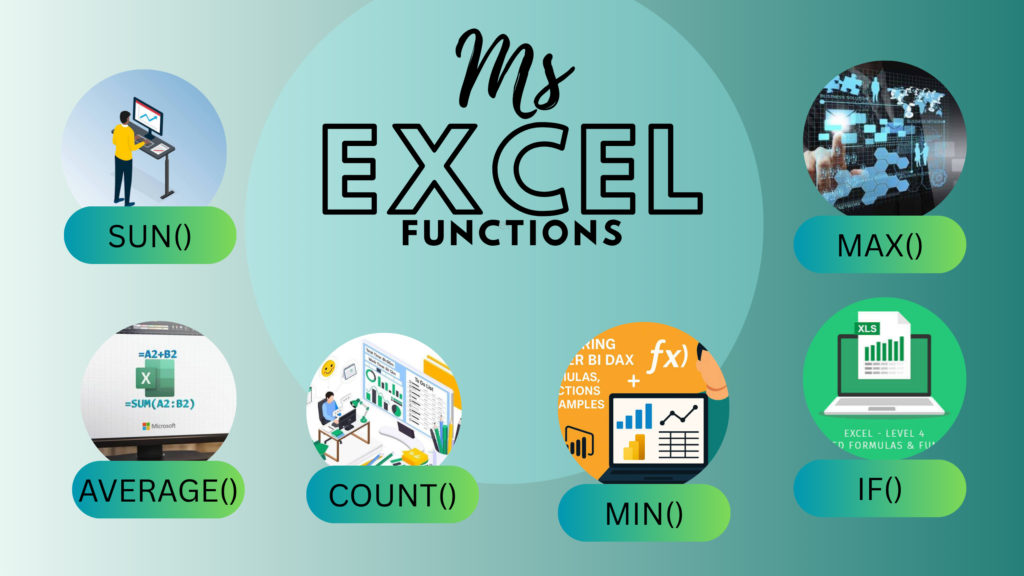
MS Excel Function में कई built-in functions available होते है.
Popular functions:
- SUM ()
- AVERAGE ()
- COUNT ()
- MAX ()
- MIN ()
- IF ()
Excel Charts
MS Excel charts की help से data को attractive charts और graphs में convert किया जा सकता है.
The purpose of MS Excel Charts is to make the data simple, attractive and easy to understand. जैसे अगर किसी business की 12 months की sales का excel sheet है, तो MS excel chart की मदत से तुरंत पता चल सकता है की किस month में sales सबसे जादा या सबसे कम रही
Sorting और Filtering
Large data को arrange करने और required information को quickly find करने के लिए sorting और filtering का use किया जाता है
Basic MS Excel Formulas
| Formulas | Uses |
| =SUM(A1:A10) | सभी Values का Total निकालने के लिए |
| =AVERAGE(A1:A10) | Values का Average निकालने के लिए |
| =MAX(A1:A10) | सबसे बड़ी Value पता करने के लिए |
| =MIN(A1:A10) | सबसे छोटी Value पता करने के लिए |
| =COUNT(A1:A10) | Numbers की गिनती करने के लिए |
MS Excel के Advantages
MS Excel एक Advantages useful spreadsheet software है MS Excel Formulas जो data को manage, calculate और analyze करने में help करता है. MS Excel Formulas की वजह से office, business, accounting और education में इसका use बहुत common है.
- MS Excel Formulas Data को easily organize कर सकते है
- Calculations quickly हो जाता है
- Reports बनाना easy होता है
- Large dataको manage किया जा सकता है.
- Excel Charts और graphs create कर सकते है
- Office work में productivity बढती है
MS Excel किस-किस के लिए Useful है?
MS Excel beginners से लेकर professionals तक सभी के लिए useful है. Students, accountants, teachers, data entry operators, business owners और office employees MS Excel Formulas and Excel charts का use अपने daily work में कर सकते है
MS Excel in 2026 सीखना क्यों ज़रूरी है?
आज के digital workplace में computer skills की demand बहुत important है. MS Excel Formulas and Excel charts सीखने से आप data management, reporting और basic accounting जैसे काम efficiently कर सकते है
अगर आप Data Entry, Accounting, Office Work या Business field में career बनाना चाहते है तो Excel charts एक useful skill हो सकती है
MS Excel Pivot Table
A MS Excel Pivot Table is a powerful feature in MS Excel pivot table used to organize, summarize, analyze, and report on large amounts of data. If an MS Excel Pivot Table sheet contains hundreds or thousands of records, a MS Excel Formulas Pivot Table and MS Excel Functions allows you to easily organize them and quickly extract important information.
Pivot Table क्यों Use होता है?
MS Excel Pivot Table and MS Excel Formulas and MS Excel Functions का main purpose complex data को simple summary में convert करता है इससे आप easily पता लगा सकते है:
किस product की sales सबसे जादा है ?
किस month में sales ज्यादा हुई है ?
किस employee ने कितनी sales की ?
किस department में कितने employees है ?
Total sales, average sales और count कितना है
Frequently Asked Questions (FAQs)
MS Excel क्या है?
MS Excel Microsoft का spreadsheet software है जिसका use data management और calculations के लिए किया जाता है
Excel का use किसलिए होता है?
Excel का use data entry, calculations, reports, accounting, charts aur data analysis के लिए होता है.
Excel में formula क्या होता है?
Formula एक instruction होता है जिसके through Excel automatically calculation करता है
Excel में SUM का क्या use है?
SUM function का use numbers का total calculate करने के लिए किया जाता है
MS Excel in 2026, एक powerful और useful spreadsheet software है. इसकी help से हम data को organize, calculate, analyze और present कर सकते है. Basic Excel knowledge students और professionals दोनों के लिए useful है.
MS Excel in 2026, is not only a calculation software, but a powerful tool for data management and analysis. अगर आप अपनी computer skills को upgrade करना चाहते है तो MS Excel Formulas and MS Excel Pivot Table and MS Excel Functions basic से advanced knowledge आपके career के लिए काफी useful हो सकती है.
अगर आप computer field में आपनी skills improve करना चाहते है, तो MS Excel in 2026 guide को अपनी learning list में ज़रूर include करें .
https://www.examwithai.com/seo-based-job-opportunities-in-2026/