What are the different types of operating systems? Easy to Understand in 7 Steps

Table of Contents
All the types of operating systems are not the same. A computer serving a few thousand users on a server can have very different requirements than a computer running a bank, a smartphone, or controlling an industrial robot.
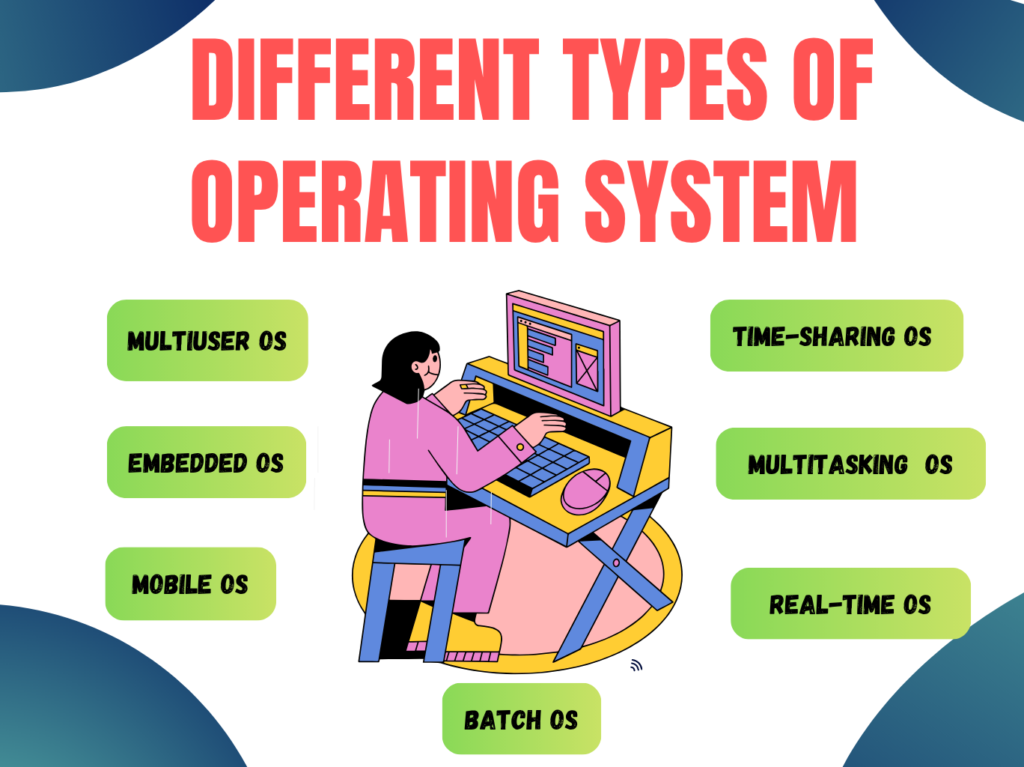
That is the reason why there are different types of operating systems. Each one of them is designed for a particular purpose.
In this article we will learn about different types of operating systems, how they work, and where they are used. We will also learn about advantages or disadvantages and real-world examples.
Different Types of Operating Systems
The main types of operating systems are—
- Batch System Operating
- Multi-User Operating Systems
- Multitasking OS
- Mobile Operating System
- Real-Time Operating System
- Time-Sharing Operating System
- Embedded Operating System
At some times these categories overlap. For example, a modern operating system may support multitasking, multiple users, networking, and multiprocessing simultaneously.
1. Batch Operating System
A batch operating system is one that will process a number of similar jobs together and does not require the user to interact continually.
In a batch operating system, users submit jobs to the computer, and the operating system collects them into a batch. The jobs are then processed one at a time.
For example, processing salary records of thousands of employees in a company.
Advantages:
- Excellent for large, repetitive jobs
- Keeps processing orderly
- Requires fewer user interactions
Disadvantages:
- Results are not immediately available
- Errors can only be detected after the batch has been processed
Do you know about operating systems?. Read this article; click here
2. Multi-user Operating System
A multi-user operating system (OS) is used when many people need to use the same powerful computer or server. In place of giving each person a separate computer for storage, applications, and processing, here everyone can connect to one central system through a network.
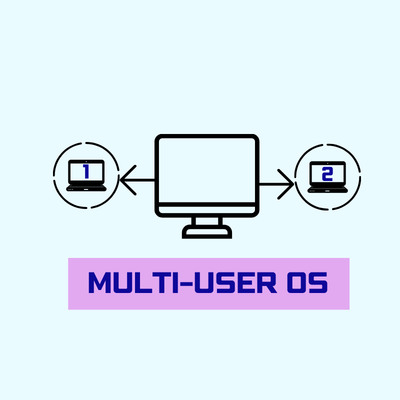
For example:
Multi-user operating systems are normally used in college computer labs, offices, banks, hospitals, and companies, where many users can log in and use the same central server.
Advantages:
- Most of the people can use the same computer system at the same time.
- Association can reduce costs by sharing servers, software, storage, and printers.
- Each user can have their self-account and private workspace.
Disadvantages:
- If the central server stops working, many users may be affected.
- The system can slow down when there are many users using it at the same time.
- Strong security is most important because many users share the same system.
Examples of Multi-User OS:
Some general examples of multi-user operating systems are
- UNIX
- Linux
- Ubuntu Server
- Windows Server
- Solaris
3. Multitasking Operating System
A multitasking operating system enables a user to do most tasks at the same time. In truth the CPU switches between tasks very fast. This gives the imagination of everything running at the same time.
Example: The most common example of multitasking OS is listening to music, browsing the internet, and writing a document at the same time.
Types of Multitasking
There are two types of multitasking operating system:
Preemptive multitasking OS:
The operating system decides how much CPU takes time to receive every task. Modern-era operating systems, like Windows, macOS, and Linux, use preemptive multitasking to manage most programs effectively.
Cooperative multitasking OS:
Here, a running program freely gives up control of the CPU so another program can run. If a program fails to do this properly, it may cause any other programs or even the whole system to become stuck.
Advantages
- Increases Performance: Here users can work on many tasks without constantly closing and reopening applications or programs.
- Supports multiple applications: other programs can run at the same time and start work together when it is needed.
- Uses CPU time efficiently: The operating system allocates CPU among many tasks.
Disadvantages
- Can slow down the system: When many applications start running at once, it may reduce performance.
- Needs enough resources: It is working well when your computer has sufficient RAM and processing power.
- You may experience a drop in performance: A badly designed or defective application can sometimes consume too many system resources and affect the performance of other programs.
4. Mobile Operating System
A mobile operating system is software basically created to run devices such as smartphones, tablets, and smartwatches. It controls the most important features, such as touch screen, mobile apps, battery usage, camera, Wi-Fi, Bluetooth, GPS, notifications, device security, etc.
Most people using mobile operating systems are Android and iOS. Android is available on smartphones from different brands, while iOS is developed by Apple and runs only on iPhones.
Examples: Android, iOS, HarmonyOS, and KaiOS.
Advantages
- Easy to use: The touch controls make mobile devices simple and convenient to operate, and it is flexible to run.
- Portable: These devices, like smartphones and tablets, are easy to carry; if anyone uses them, then he/she can access information and services almost anywhere.
- All-in-one convenience: They are bringing together useful features like call, message, navigation, entertainment, and productivity tools in one device.
Disadvantage
- Small screen size: We know mobile screens are commonly smaller than desktop monitors; it can make certain tasks less comfortable.
- Software limitations: We find here some advanced desktop programs are not available or do not work as well on mobile devices.
- Privacy concerns: Anybody who uses these devices needs to pay attention to app permissions and privacy settings because few apps may request access to personal information or device features.
Examples: Android, iOS, HarmonyOS, and KaiOS.
5. Real-Time Operating System (RTOS)
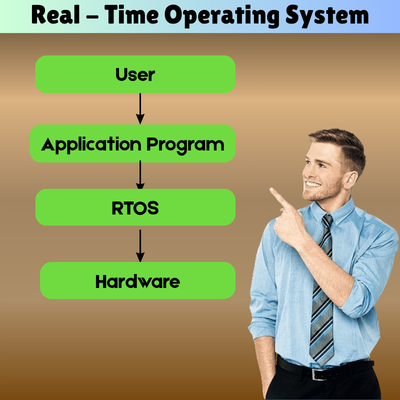
A Real-Time Operating System (RTOS) is designed for systems where we find the response to an event must occur within a finite time. In a real-time operating system. It is not sufficient that the result is perfect, but it must also be delivered in the correct time. These platforms are built for predictable timing, stability, and reliable task management.
For example, if a car senses a crash, the airbag of these systems must respond within milliseconds. If the system reacts too late, the airbag may not protect the residents. As a result, a real-time operating system is needed for an airbag controller.
Types of Real-Time Operating Systems
- Hard Real-Time Operating System: It missed a deadline and can cause serious damage or total system failure. The aircraft control system or airbag system.
- Soft Real-Time OS: Occasional missed deadline leads to lower quality or performance, but not serious system failure. Example: video streaming or streaming audio online.
Benefits:
There is a big benefit here because answers are provided promptly and dependably.
Very reliable for mission-critical systems.
Handles urgent tasks based on priority.
Suitable for automation and safety devices.
Cons:
Harder to design and test.
Growth can be expensive.
Typically built for specific purposes rather than general computing.
Examples: Free RTOS, VxWorks, QNX, and Zephyr.
6. Time-Sharing Operating System
A time-sharing operating system allows multiple users to access the computer system simultaneously. It divides the CPU time into small units called time slices or time quanta. Each user (or program) is given a little chunk of time on the CPU, and the system flips quickly back and forth between them.
Main features:
- Multiple users can use this system.
- The CPU time is shared between users and programs.
- Delivers fast answers.
- Supports interactive computing.
Advantages:
- One powerful system can support many users.
- Decreases CPU idle time
- Affordable for schools, universities, and offices.
- Responsive to users.
Disadvantages:
- Performance may slow down when a lot of users are active at the same time.
- Strong security and proper user management are important.
- If the central system goes down, it can affect many users at once.
Examples: UNIX systems, university servers, shared computer networks, and older mainframe systems.
7. Embedded Operating System
An embedded operating system is for those devices that do one thing or a small number of things. An embedded OS is generally lightweight, efficient, reliable, and optimized for limited memory, storage, and processing power, unlike general-purpose operating systems such as Windows or macOS.
Advantages:
- Works quickly and efficiently.
- Uses less power.
- Reliable for specific, dedicated tasks.
- Doesn’t require high-end hardware.
Disadvantages:
- Not very flexible for different types of tasks.
- Upgrading can be difficult on some devices.
- Usually can’t run many general-purpose applications.
Examples: Embedded Linux, Free RTOS, QNX, Windows IoT, and Zephy